

You optimize your Webflow website for AEO by placing direct answers within the first 60 words, structuring content with clear H2/H3 headings and FAQ sections, integrating nested schema markup via Webflow's custom code fields, and updating content regularly. Success is measured by citations in ChatGPT, Perplexity, Google AI Overviews, and Claude.
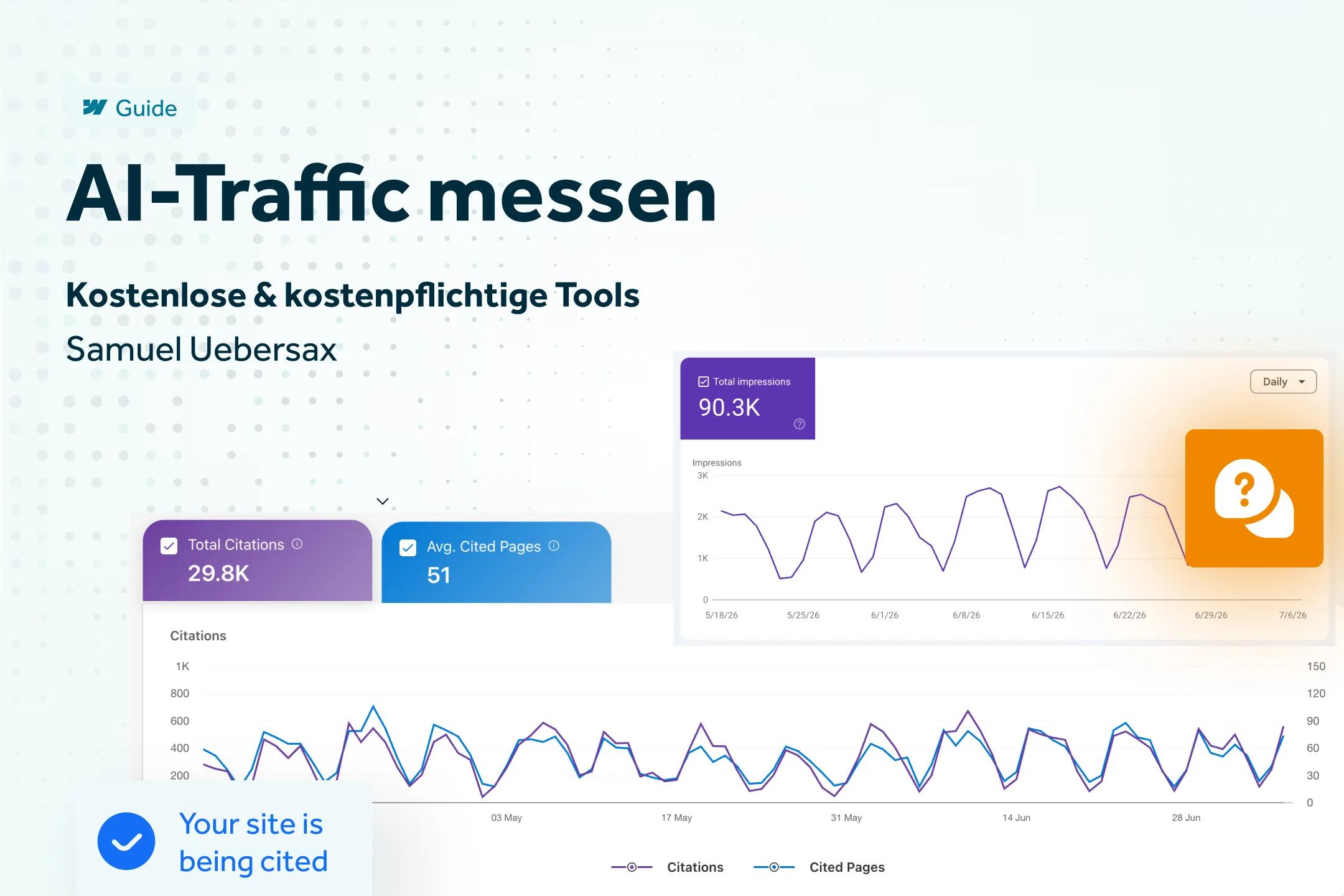
Before making any changes to your Webflow website, you should first measure whether and how often your pages appear in AI responses. Without this baseline, you are optimizing blindly and will be unable to prove the effect of any measures later on. How to track AI traffic in Webflow and which tools are suitable for this is something I have described in Measuring AI traffic in Webflow: the best tools in detail – this is the first step before you begin with the actual optimization.
Key takeaways
- AI visibility starts with measurability – without tracking, you won't know if a measure is working.
- Google officially treats GEO as part of SEO – no separate strategy is needed for AI Overviews.
- ChatGPT and Perplexity place more weight on structure, timeliness, and factual density than Google does.
- Nested schema markup helps AI systems understand the relationships between content and entities.
- Webflow's custom code fields and CMS bindings are perfectly sufficient for most GEO measures.
What is AEO – and why does it affect your Webflow website?
Answer Engine Optimization (AEO) refers to optimizing content so that AI systems like ChatGPT, Perplexity, Claude, and Google AI Overviews cite it as a source for generated answers. Unlike traditional SEO, AEO does not primarily aim for a ranking position, but rather for the extractability of individual statements.
For Webflow websites, this means specifically: your CMS structure, your custom code fields in the head and body, and the way you build rich text content all help determine whether an AI recognizes your page as a citable source at all.
GEO optimizations for your Webflow website are therefore all measures that improve the extractability of your content for AI systems: clear direct answers, clean H2/H3 structure, nested schema markup, and regular updates – implemented via Webflow's CMS fields and custom code areas, without needing to switch platforms.
Step 1 – Making visibility measurable
As mentioned at the beginning, tracking is the prerequisite for every further measure. Only when you know for which prompts your domain is currently being cited (or not) can you make targeted improvements. You can find details and tool recommendations in the linked article above – here, we will move directly to the content-related and technical measures.
Step 2 – Increasing answer density
AI systems prefer to extract paragraphs that answer a question completely and without needing further context. Two patterns have proven effective:
- Direct answer in the first paragraph: Answer the page's core question in 40–60 words, directly after the H1 – as shown in the example above in this article.
- Definition sentences: Use the pattern "[Term] is [clear, standalone definition]." Such sentences are particularly likely to be adopted verbatim by language models.
In Webflow, this can be implemented directly in the rich text field without additional tools – the only important thing is that the first paragraph after the H1 actually contains the answer rather than just an introduction.
Step 3 – Optimize structure for AI systems
Dense blocks of text are difficult for AI systems to parse. Structure your content instead using:
- H2/H3 headingsthat reflect actual user questions (use the "People also ask" boxes in Google search as a guide)
- Numbered lists for step-by-step instructions
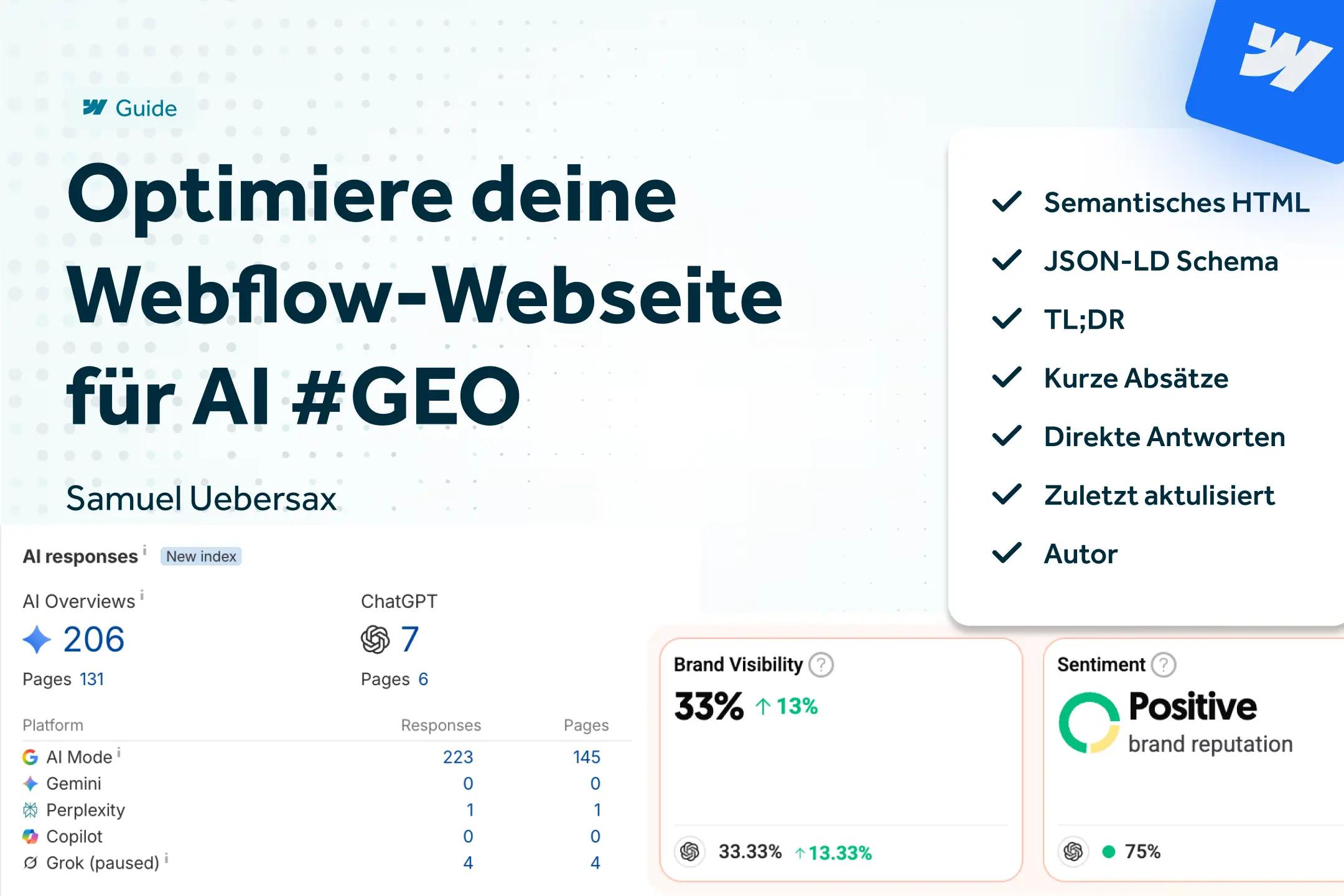
- A TL;DR block with 3–5 bullet points near the top of the page, as seen above in this article
- Paragraphs under 80 wordsso that individual text blocks function as standalone answer units
Webflow's CMS collections are well-suited for this structure because rich text fields can be built consistently according to the same schema – this also facilitates later audits across multiple blog articles. A clean HTML foundation is more important than ever for agents.
Step 4 – Make content quotable
For an AI system to cite a paragraph, it must be precise and verifiable. You should replace vague statements like "studies show" with concrete figures and sources. A current example: In an analysis of 129,000 domains, pages updated within the last three months received an average of 6 ChatGPT citations, while older pages received only 3.6 (Source: SE Ranking, cited via Search Engine Journal, 2025).
Interestingly, the same study found that pages with FAQ sections actually averaged slightly less were cited than pages without them. This puts the common recommendation that FAQ blocks are automatically a citation booster into perspective – Content depth and relevance are clearly more important than pure formatting. An FAQ section still makes sense because it covers additional question variations – but it does not replace substantive content.
Step 5 – Entities & Schema Markup in Webflow
AI systems understand content better when relationships between entities – people, organizations, concepts – are made explicit. Nested schema is recommended instead of isolated, flat types: Organization → Article, with a reference to the organization as the publisher.
For Webflow, an important distinction applies here: Article and Organization schema belong in the head code as JSON-LD, while FAQ schema is better implemented as HTML microdata directly on the existing Webflow elements – this way, content does not need to be maintained in two places.
Step 6 – Maintaining freshness (Freshness Signal)
A visible "Last updated" date is a stronger signal for ChatGPT and Perplexity than for Google AI Overviews, which, according to Google, rely primarily on indexability and classic ranking systems. In practical terms, this means: maintain an update rhythm of 60–90 days for your most important pages and ensure that the dateModified field in the schema markup matches the actual editing date – not just cosmetically in the frontend.
Google AI Overviews vs. ChatGPT / Perplexity / Claude – what really counts in Webflow
The four major AI systems select sources based on different criteria. This has direct consequences for where you invest your optimization time:
Google AI Overviews rely on Retrieval-Augmented Generation (RAG) according to official Google documentation: A page must be indexed and snippet-ready to even appear as a supporting link – there are no additional technical requirements. In its 2026 guide, Google explicitly clarifies that neither llms.txt files, nor splitting content into small "chunks," nor special AI schema are necessary to appear in AI Overviews – classic SEO fundamentals are sufficient.
ChatGPT and Perplexity operate differently: Here, several 2025/2026 studies show a measurable advantage for structure, freshness, and factual density, as described in Step 4 above. Schema markup and FAQ structure are useful here, but not required for Google purposes.
Practical consequence for Webflow clients: Build a common foundation of clean structure, direct answers, and up-to-date content – this helps everywhere. Additional measures like comprehensive schema markup are especially worthwhile if your target audience relies heavily on ChatGPT or Perplexity for research.
How do you specifically optimize your Webflow website for AI? The 6-step process
You optimize your Webflow website for AI by following a systematic approach: first measure visibility, then improve answer density and structure, make content citable, add entities and schema markup, and maintain relevance. At a glance:
- Measure: Establish a baseline of which pages are currently cited in AI responses
- Increase answer density: Place direct answers and definition sentences directly in the rich text field
- Optimize structure: Consistently use H2/H3 tags, lists, and TL;DR blocks
- Make content citable: Replace vague statements with concrete figures and sources
- Add schema markup: Nested schema in the head code, FAQ microdata directly on Webflow elements
- Maintain relevance: Update the content of important pages every 60–90 days
If you would like professional support in implementing these measures for your Webflow website, I can assist you with my AEO optimization – from the initial analysis to the technical implementation in the CMS.